Coast to Coast: Florida’s Preferred Heavy Civil Partner

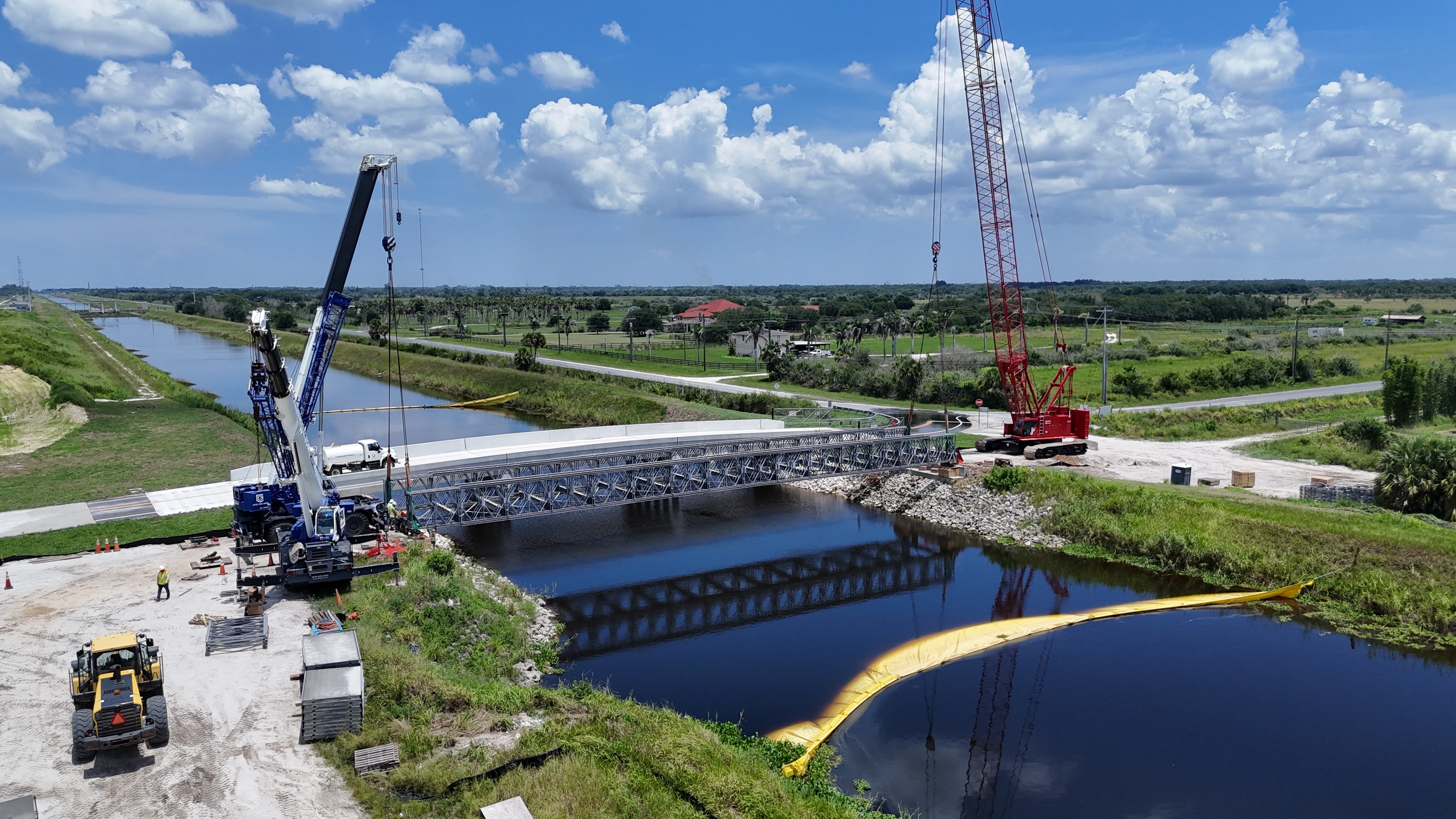
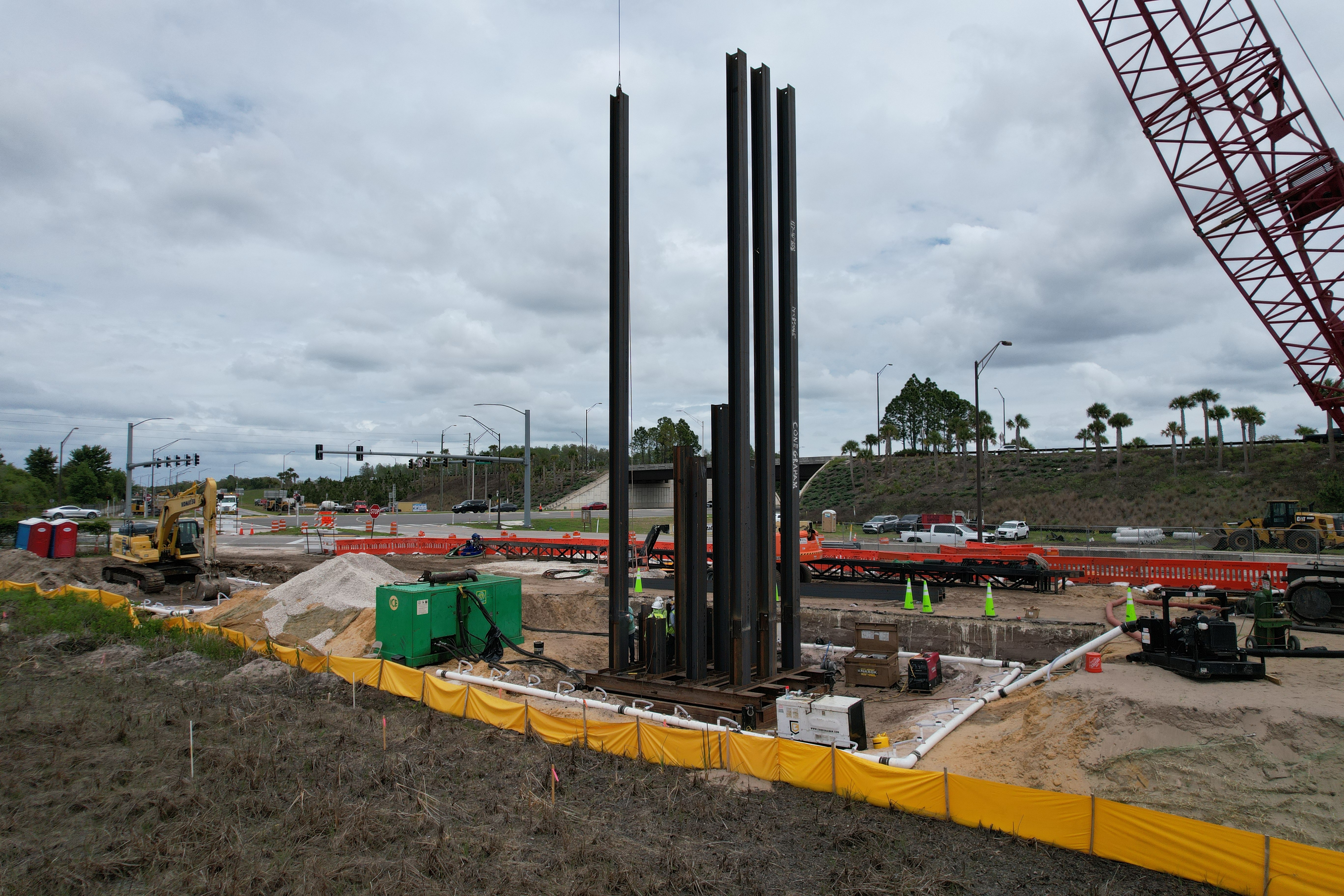
Cone & Graham, Inc. is one of the largest and most experienced road and bridge construction companies on the East and West Coasts of Florida having performed heavy civil work in these regions for over 40 years.

Who We Are

Leading heavy civil contractor specializing in Florida infrastructure.

Our Mission

To build safe, reliable solutions that connect and strengthen communities.

Our Values

Integrity, safety, teamwork, and excellence guide every project we undertake.

Vision Image

WHAT WE DO

Our Vision

At Cone & Graham, our vision is to lead the way in building innovative, safe, and sustainable infrastructure that empowers Florida’s communities and fosters long-term growth.

  • Deliver cutting-edge solutions that set industry standards for quality and efficiency.
  • Foster strong partnerships with clients, stakeholders, and communities.
  • Prioritize safety in every aspect of our operations, from planning to execution.
  • Promote environmental sustainability through responsible construction practices.
  • Build infrastructure that supports future generations and strengthens Florida’s economy.

INDUSTRY FOCUS

Building With Integrity

With over 40 years of experience serving Florida, we have built a reputation for delivering high-quality road and bridge construction projects on time, within budget, and to the highest standards. Whether it’s providing expertise for complex transportation projects or managing every phase from design to completion, our commitment to excellence ensures every project is a success. Cone & Graham is your trusted partner for infrastructure that stands the test of time.

1979
Founding
Year
200+
Dedicated
Employees
100%
Customer
Satisfaction
10+
Government
Partners

Do you have a project to discuss?

Dynamic Map Instructions (Delete This)

Don't delete "cru-ncf"-elements

Elements with “cru-ncf-…” classes contain essential attributes required for Dynamic Map to function properly. Please do not delete these elements.

Style in Webflow, modify in Dynamic Map App

Use the Dynamic Map App from Webflow’s App Store to adjust your map settings. All styling can be managed directly in Webflow. Refer to the Style Guide below the map to customize elements provided by Dynamic Map.

In case of an issue...

... open the Dynamic Map App, click “Refresh,” then “Insert Code,” and follow the provided instructions. If this doesn’t resolve the issue, refer to our Help Center for assistance.

Important Links

Dynamic Map App
Help Center
License Settings
About Dynamic Map for Webflow [by No Code Flow]
Reset Filter
Thank you! Your submission has been received!
Oops! Something went wrong while submitting the form.
Map Item
Map Item
Map Item
Map Item
Map Item
Map Item
Map Item
Map Item
Map Item
Map Item
Map Item
Map Item
Map Item
Map Item
Map Item
Map Item
Map Item
Map Item
Map Item
Map Item
Map Item
Map Item
Map Item
Map Item
Map Item
Map Item
Map Item
Map Item
Map Item
Map Item
Map Item
Map Item
Map Item
Map Item
Map Item
Map Item
Map Item
Map Item
Map Item
Map Item
Map Item
Map Item
Map Item
Map Item

Dynamic Map Style Guide (Don't Delete)

Please modify your styling elements here to change their appearance on the live website. The styleguide is invisible on the published site.

CMS List Item

Change the active state for your list item
Default State
List Item Default
Active State [add class "active"]
List Item Active

Filter Reset / Empty State

Style your empty state
There are no items using this filter combination.
Reset Filter

Pop-Up

Change Pop-Up style here. Hide in Dynamic Map App.

Tooltip (Don't Delete)

Change Tooltip style here. Hide in Dynamic Map App.

Filter Address Search

Change the active state for your address search
Default State
Thank you! Your submission has been received!
Oops! Something went wrong while submitting the form.
Active State [add class "active"]
Thank you! Your submission has been received!
Oops! Something went wrong while submitting the form.

Filter Chip

Change the active state for your filter chip
Default State
Filter Chip
Active State [add class "active"]
Filter Chip Active

Map Location Pin

Change pin style and states
Default State
Hover State [add class "hover"]
Active State [add class "active"]